
How to get started
Your own KALIWEB system in 5 steps, with no technical work: we host it for you, with its own database, security certificate and nightly backup.
Tell us about your business on the sign-up page.
name.kaliwebsystem.com, free, or your own domain.
One click on the link we send you.
We check your request, usually within one working day.
Your login comes by email. Add your staff and start.
Create your account
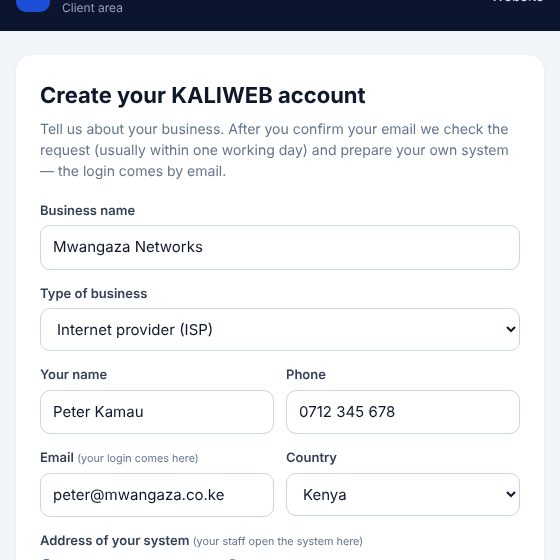
Press Create your account on this website (or on the page for your kind of business). Fill in your business name and type, your name, phone and email.
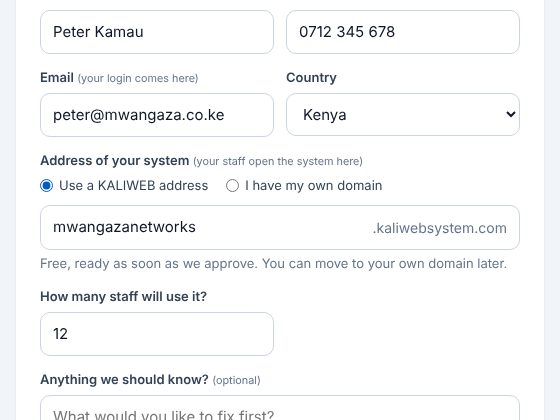
Choose the address of your system
Your staff open the system at this address. Take a free name.kaliwebsystem.com, ready as soon as we approve, or use your own domain (best a sub-address like system.yourbusiness.co.ke, so your website stays as it is). Then choose a password for your client area.
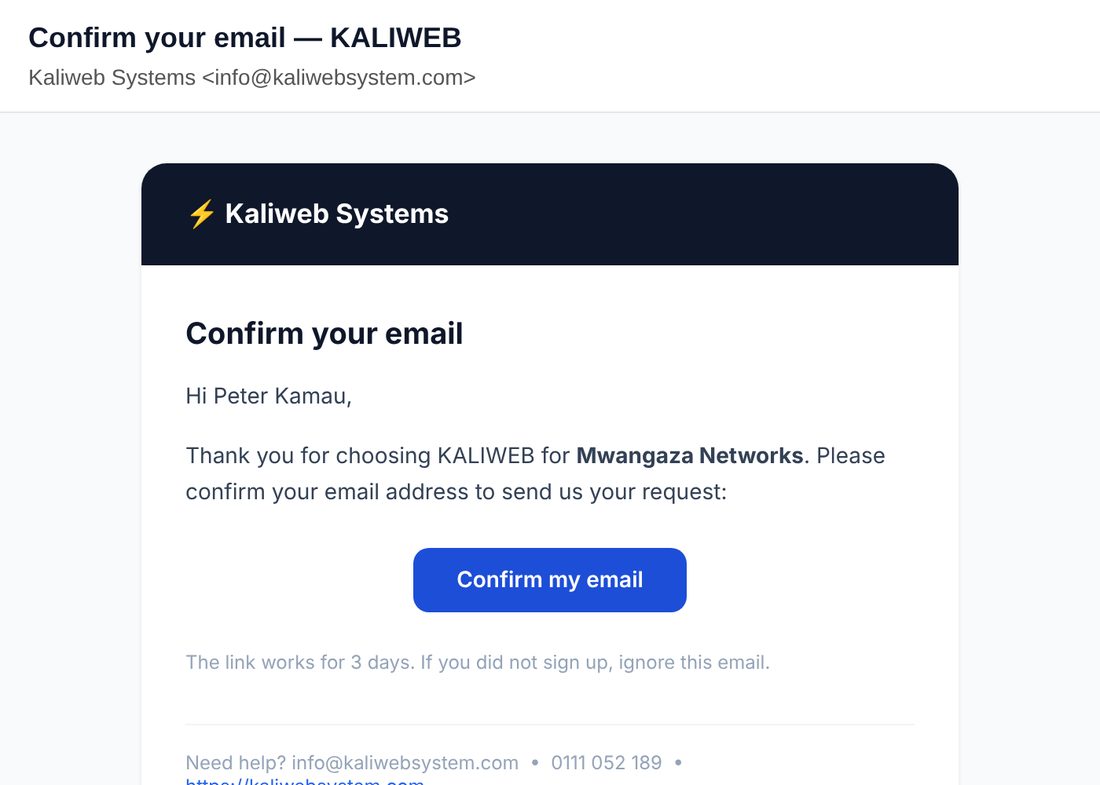
Confirm your email
We send you a link. Open it to confirm your email; this sends us your request. Nothing in your inbox? Look in Spam, or send it again from your client area.
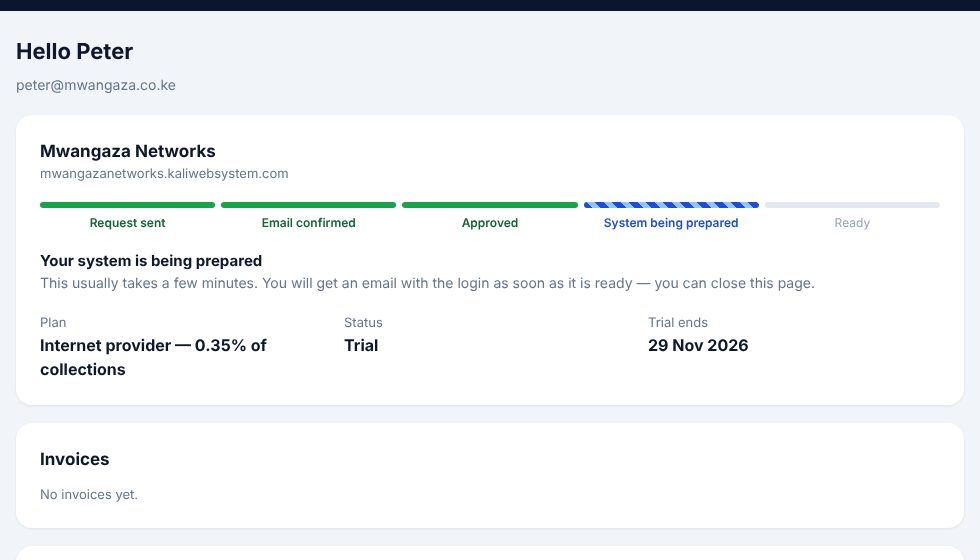
Follow it in your client area
Sign in at Client login to see where your request is. We check every request, usually within one working day, and may call you to agree the plan. Once approved, your system is set up by itself in a few minutes.
With your own domain, the client area shows the one DNS record to add; the set-up finishes as soon as it points to us.
Sign in to your system
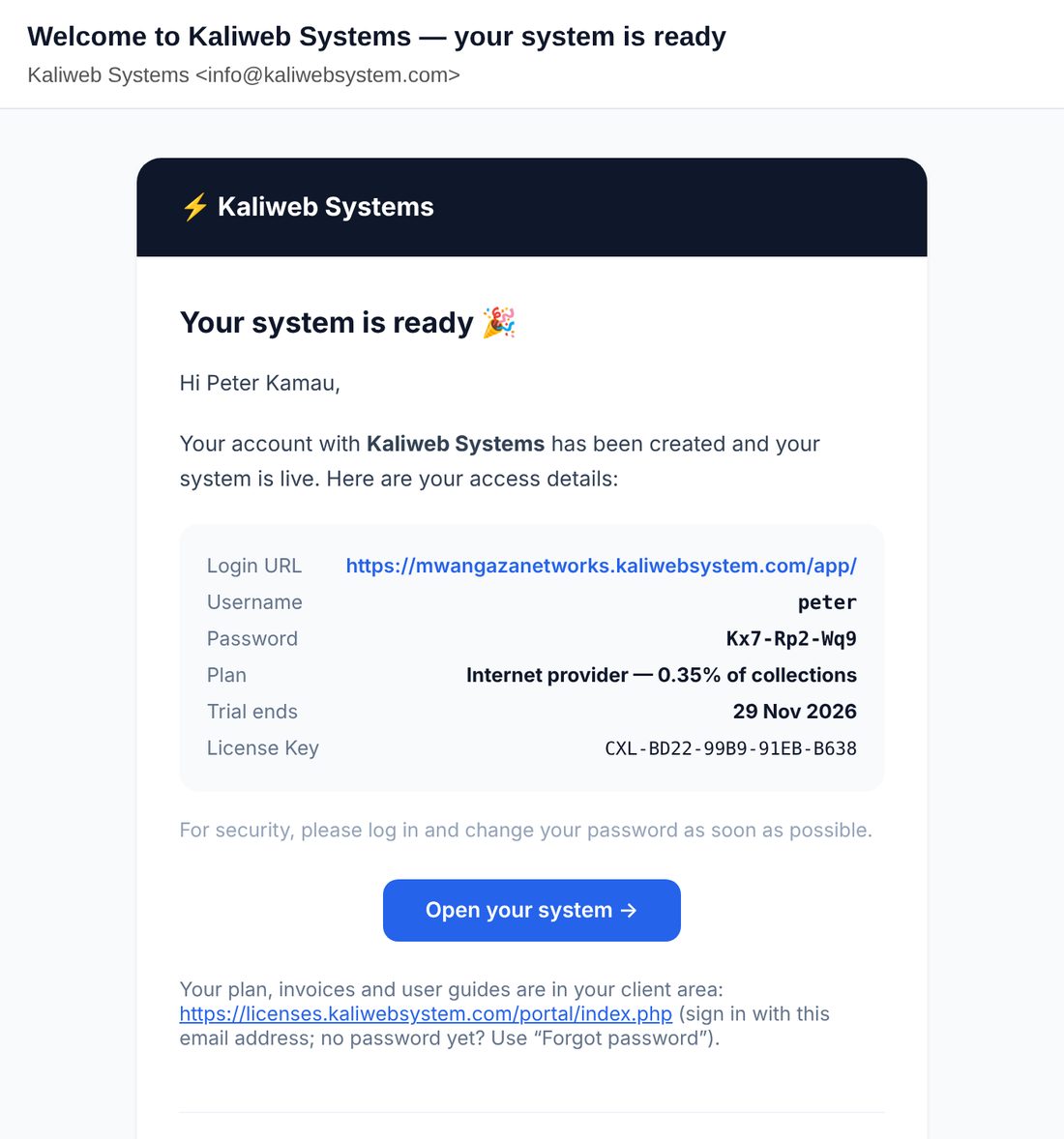
Your login comes by email: the address of your system, your username and a password. Sign in and change the password the first time.
First steps
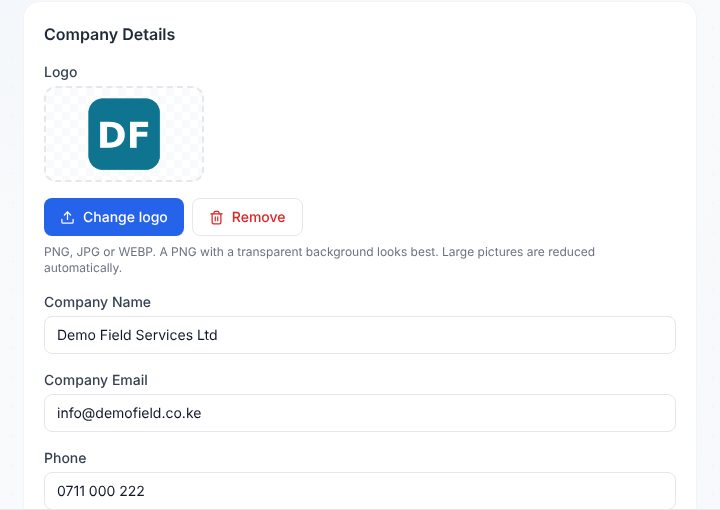
In System → Settings add your logo and company details. In People → Users add your staff with their roles, then your customers, and start logging jobs, sending technicians and getting paid by M-Pesa. The user guide is inside the system under Me → User guide.
Questions
Do I need my own server or a technical person?
No. We host your system for you: its own database, a security certificate (https) and a backup every night. You only need a phone or a computer with internet.
How long does it take?
Signing up takes about 3 minutes. We check every request, usually within one working day. After approval your system is ready in a few minutes; with your own domain, a few minutes after its DNS record points to us.
What does it cost?
It depends on your kind of business and how many people use it. We agree the plan with you before your system is opened. Your plan and invoices are always in your client area.
Can I try it first?
Yes: the live demo opens a demo company of your kind of business straight away, with no sign-up.
Can I install it on my own server instead?
Yes, with a licence from us. Talk to us and we send you the files and the installation guide.
Talk to us
We set up your company on our servers and train your team. Tell us about your business and we will get back to you within one working day.
0111 052 189 info@kaliwebsystem.com