 KALIWEB SYSTEM · Documentation
Guides & downloads
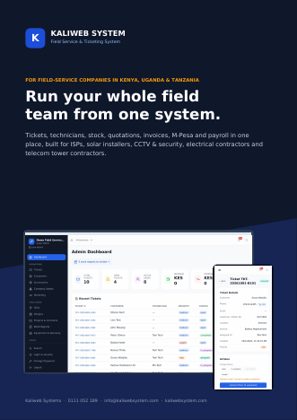
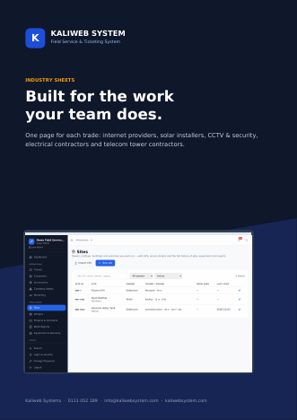
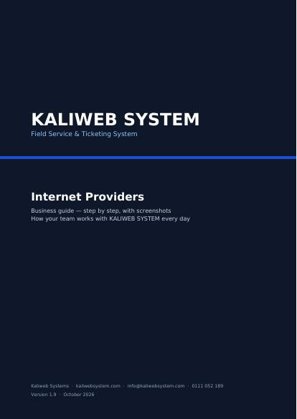
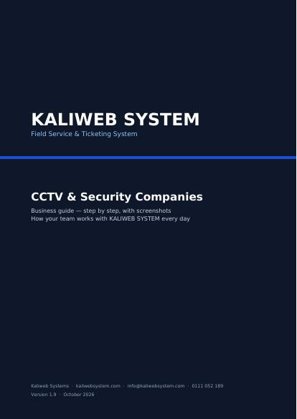
The brochure, the industry sheets and the guide for your kind of business. Free to download. Customers open the full user guide inside their system (Me → User guide).
Choose your guide

We set it up with you
The system is hosted by Kaliweb. There is nothing to install: we set up your company, connect your routers and payment accounts with you, and train your team.
What you need
- A phone or computer with a browser (Chrome is best)
- Your own address if you want one, e.g. support.yourcompany.co.ke (one DNS record, we tell you what to add)
- For internet providers: your MikroTik routers and OLTs. We connect them with one command per router
Backups, security, updates and the server itself are looked after by us. Email us for a demo and price.
Common questions
Where does the system run?
It is hosted by Kaliweb. You open it in the browser on your own address; we take care of backups, security and updates.
A screen asks me to contact Kaliweb
Call 0111 052 189 or email info@kaliwebsystem.com with a screenshot. We will sort it out with you.
How do we get new versions?
You don't need to do anything. We install new versions on our servers, usually at night, with a backup first. Administrators can read what changed under System → Updates.
Talk to us
We set up your company on our servers and train your team. Tell us about your business and we will get back to you within one working day.
0111 052 189 info@kaliwebsystem.com